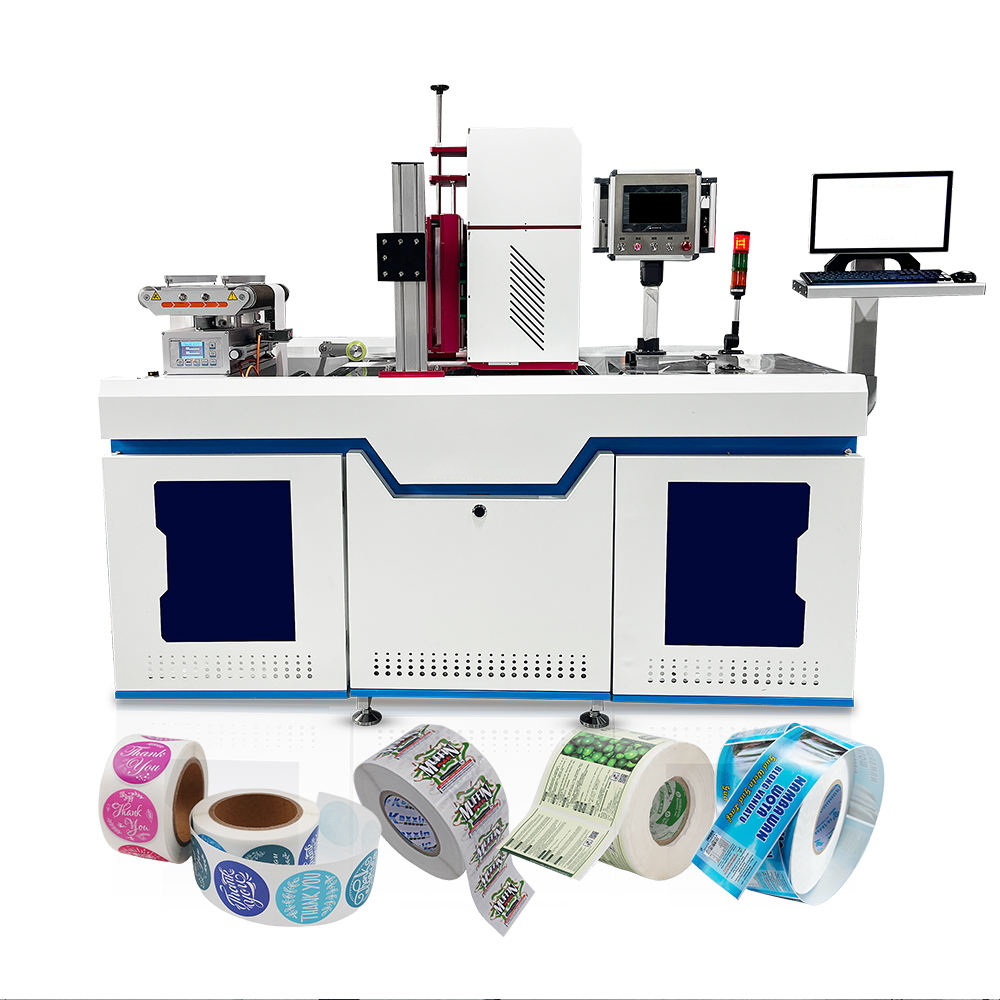
1. Basic Concepts and Importance of Maintenance
UV digital printers use UV-cured ink, and all the nozzle, ink path, curing system and mechanical gearbox components work together at high loads. If any function fails, print quality will be compromised, equipment will be down, and core components can be damaged. The chemical properties of UV ink mean that the residue is persistently corrosive, and if not cleaned in time, the photoinitiator will gradually erode the hydrophobic coating of the nozzle panel. This makes the maintenance standards on UV digital printers much higher than water-based or solvent-based equipment. “Prevention is better than cure” is the first principle of equipment management for printing companies. Scientific maintenance reduces not only sudden failures, but also increases life of the nozzle by 30 to 50%, and reduces unplanned downtime by more than 70%.
This manual deals with printing single item label situations such as clothing tags, RFID tags, tickets and cards. It offers a systematic and operable solution to the high-frequency maintenance demands and common faults of UV digital printers in daily production.
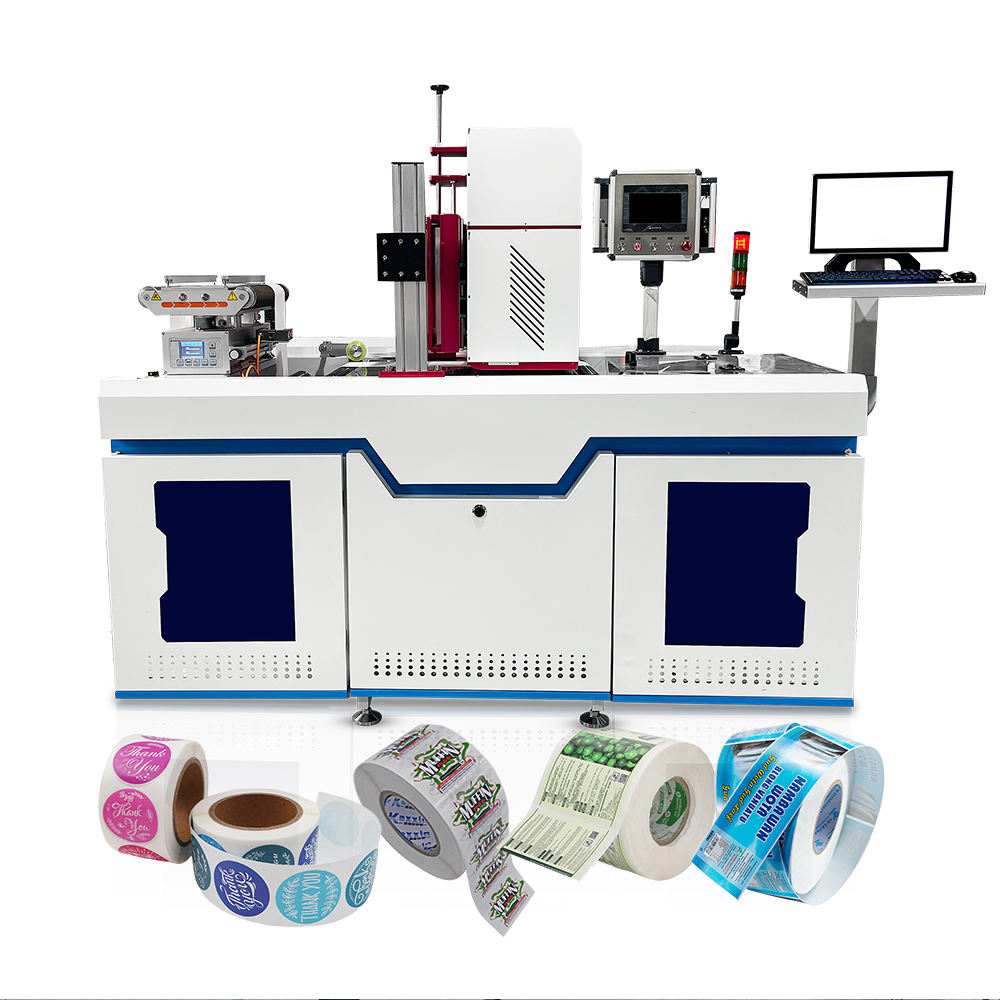
2. Specifications for Daily Maintenance of UV Digital Printer
2.1 Power and Environmental Requirements
UV digital printers are very sensitive to the workshop environment. The temperature should be maintained at 20 to 28℃, the relative humidity at 40% to 60%, and it should be dust-free and well ventilated. If the dust particulate size is larger than 1/10 of the nozzle aperture (approx. 1-2 microns) permanent physical blockage can occur and environmental cleanliness is the main maintenance defence. Dust attached to the grating, ruler or guide rail can cause printing positioning deviations directly. Static electricity and ink flying are easily caused by low humidity while ink condensation may be caused by too much humidity. It is recommended to place a sticky dust pad at the entrance to the workshop to reduce the risk of external particulate matter. Temperature and humidity recorder should be archived daily. Start air conditioner or dehumidifier immediately if the deviation exceeds the standard. For power supply, it is recommended to equip with voltage stabilisers and surge protection sockets. Operation shall be stopped when the voltage fluctuates more than ± 10%.
2.4 Check the temperature and humidity records in the workshop every day before starting work, and wipe the equipment casing and operation panel with clean non-woven fabric. Once a week, clean the dust accumulated on the guide rail and grating ruler, and apply special lubricating oil to the guide rail in a thin layer (note the amount, do not drip). These basic environments need to be maintained to ensure the long-term accuracy of the equipment.
2.2 Daily/weekly/monthly maintenance of the nozzle and ink system
Daily maintenance (beginning and end of work)
- Begin work: Print nozzle test strips and check that all spray holes are generating ink normally. If there is a broken needle, first do “light cleaning”, and if it is ineffective, do “strong cleaning”. It is recommended to do “flash spraying” (i.e. standby spraying of small ink droplets) before formal production, which can keep the nozzle moist and discharge settled pigment particles.
- Closing: Immerse the non-woven fabric in the special cleaning solution, move the print head back to the cleaning station, let the nozzle stick on the non-woven fabric and leave it overnight. This operation can prevent residual ink from solidifying on the surface of the nozzle.
Weekly maintenance
- Clean the scraper, wiper, ink stack cap and the ink splashes around them. Check the volume of the waste ink bottle and empty it quickly.
- Look for bubbles or impurities in the ink bag (damper) and empty them with a syringe if necessary.
- If you are using white ink, shake the ink tank and do white ink circulation to avoid the settling and clumping of titanium dioxide particles. Meanwhile, check the liquid level sensor of the secondary ink cartridge to make sure it is not contaminated with ink and triggering false alarms.
Monthly maintenance
- Replace or clean the ink stack cap and scraper (depending on wear) and replace the precision filter at the ink tube inlet to prevent flocculation or small crystals in the ink from entering the nozzle.
- Check whether the ink supply pipeline is ageing or leaking, and tighten the joints.
- Draw some cleaning solution into a syringe and manually flush the internal channel of the nozzle. Wherein, when manual suction is used, the suction force is controlled between about 0.05 MPa and about 0.1 MPa. Too much force can cause the piezoelectric film in the nozzle to deform, which can cause permanent damage (this operation should be done carefully and is recommended to be done by a professional).
Long-term idle (more than 4 days) disposal
If the equipment is not working for more than 4 days, the ink in the nozzle and pipeline must be drained by using cleaning solution, or at least the surface of the nozzle should be covered with non-woven fabric sealed with cleaning solution. If you are planning to be away on holiday for more than one week, we recommend you to clean the ink path thoroughly and switch off the power. During the idle period, it is recommended to turn on the device once a week for self-inspection to keep the board capacitors active.
2.3 Mechanical gearbox and curing system maintenance
The guide rail and screw should be cleaned and re-lubricated with special lubricating oil every week (low volatility grease specified by the manufacturer is recommended) to prevent crawling or jamming caused by poor lubrication. Check the pre-tightened nut of the screw quarterly to prevent axial movement from affecting the step accuracy and causing dimensional deviation in the horizontal direction. Check the belt tension every quarter. If it is too loose , it will cause positioning errors and if it is too tight , the load on the servo motor will increase . In the UV curing system, attention should be paid to the dust on the surface of the lamp tube (or LED chip), and the surface of the lens should be wiped gently with a dust-free cotton swab dipped in a small amount of alcohol once a month to ensure the uniform transmission of ultraviolet energy. At the same time, clean the cooling air duct of the solidification unit to prevent dust accumulation and frequent activation of the overheating protection. Record the operating hours of the UV lamp Mercury lamps typically need to be replaced after 1000–1500 h (when the irradiance drops below 70% of the original value), whereas LED modules should be maintained according to the manufacturer’s recommended lifetime.
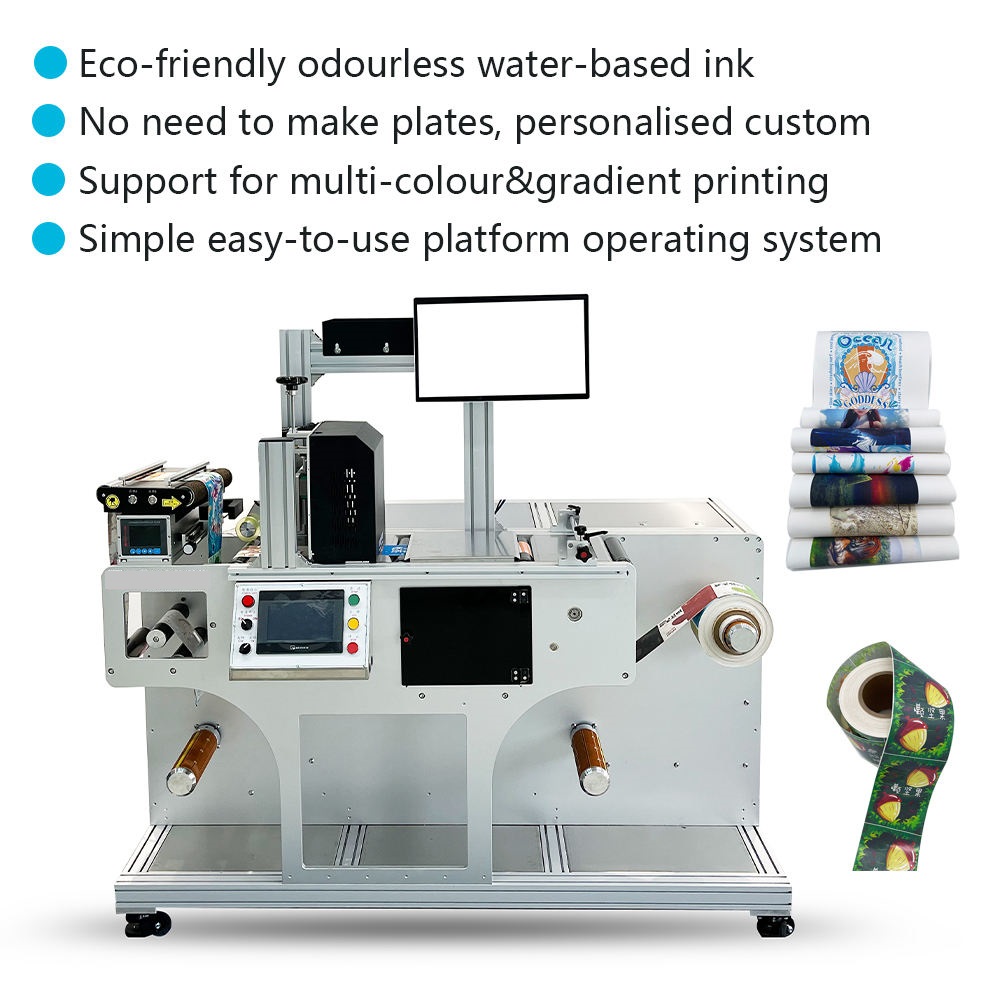
3. Common fault phenomenon and troubleshooting (questions and answers)
The following Q & A addresses print quality, mechanical action, electrical and software aspects based on real production situations.
Q1: How to solve the broken lines, white lines or partial loss of colour on the printing screen?
Cause:
Nozzle is blocked (ink is dry, contains impurities or air bubbles) Unstable negative pressure (interruption of ink supply) Ink bag filter is clogged The broken line at a fixed position on the test strip is often due to physical blockage of the nozzle; If the broken line appears at random positions, it is mainly caused by instability of the negative pressure of the ink supply or air bubbles in the ink path, and the direction of investigation for the two is entirely different.
Answer:
1.Do the nozzle cleaning (light first, heavy later) and see the improvement of the test strip. If continuous cleaning 3 times does not work, the cleaning should be stopped and check the negative pressure to avoid that excessive cleaning causes an imbalance of negative pressure in the nozzle cavity.
2.Connect the ink outlet of the ink bag to a syringe and gently suck to remove bubbles or foreign material.
3.Ensure the cleaning station is well sealed, clean the ink stack cap and scraper.
4.Check if the negative pressure setting value is in line with the ink manufacturer’s recommendation (-3-5 kPa), adjust it and press the ink again.
If none of the above helps, you need to soak the nozzle in the cleaning solution manually (no longer than 2 hours), and clean with the professional ultrasonic waves (frequency controlled within 40 kHz, no longer than 3 minutes).
Q2: How to solve the problem of image ghost, misalignment or misalignment in two-way printing?
Reason:
Dirt or scratches on the grating ruler, loose belt or gear meshing clearance too large, poor lubrication of the guide rail, resulting in uneven resistance when moving, or horizontal deviation of the printing platform. Besides, the platform hoover adsorption needs to be checked if it is normal. Ghosting can also be caused if the material shifts slightly during the printing process.
Solve:
1.Dip the nonwoven fabric in alcohol lightly and wipe the grating ruler with a small amount of alcohol. Do not rub back and forth or apply too much pressure, or you will scratch the scale.
2.Test the tension of the belt. Push the centre of the belt with your finger; there must be moderate resilience (a sinking amount of approx. 5-10 mm). If it is too loose, move the tension wheel.
3.Clean the guide rail and add lubricating oil. Move the trolley manually to check whether the whole process is smooth and unimpeded.
4.Run the device’s “bidirectional calibration” and “step calibration” programs (in the control software).
5.Calibrate the four corners of the printing platform using a spirit level so that the surface of the substrate is parallel to the plane of the nozzle and the error is controlled within ± 0.1 mm.
Q3: What do I do if the UV lamp did not light up, or the curing is not complete and the ink is sticky?
Cause:
Faulty closing of power supply contact or relay Damaged lamp/chip Cooling fan fails, overheat protection is activated Dirty mirrors or lenses absorb energy or the curing power setting is too low and does not correspond to the actual printing speed.
Answer:
- Check power cord plug on UV light and control relay.
- Clean lens and reflector. Dust deposit will absorb 30% ~ 50% of the ultraviolet energy. Re-test after cleaning curing effect.
- Check if the cooling fan is running, clean the air inlet filter and check if the air duct is blocked.
- If the mercury lamp is over the nominal service life, a new lamp tube should be replaced. For LED modules, the chip’s light attenuation should be tested by the manufacturer.
Adjust curing power and irradiation distance based on the material type (usually 2-5mm from the material surface), and ensure the printing speed is consistent with the irradiation energy density.
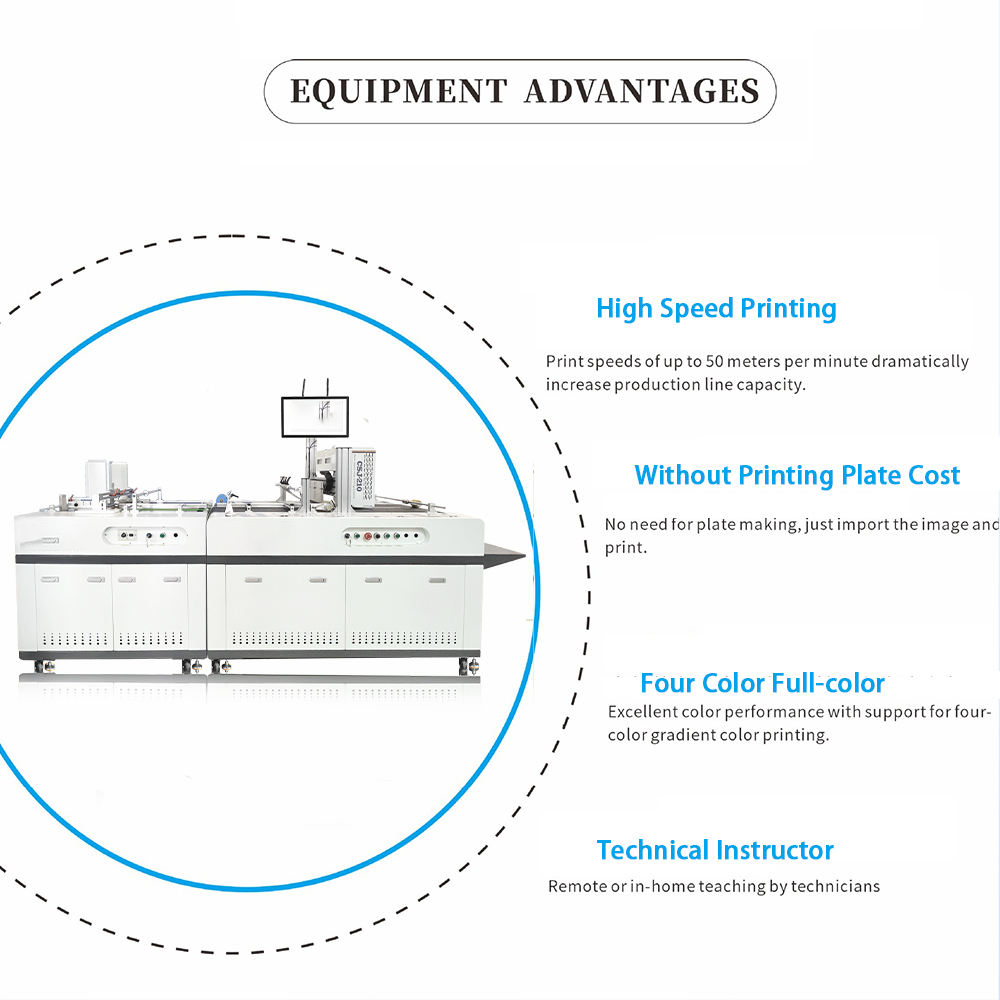
Q4: How to do if the printed colour is different with design draft, or has serious colour deviation?
Reason:
ICC configuration file error; colour difference between ink batches; unstable nozzle condition (especially the colour temperature of the white channel is changed by the settling of titanium dioxide); Surface tension difference of different materials causes the spread rate of different ink droplets to be different, thus affecting the final colour.
Solve :
- When exporting, make sure the design file is in CMYK mode and the correct colour space is embedded.
- Use a standard colour chart to calibrate the ICC curve in the RIP software. It is recommended to perform this calibration on a monthly basis.
- Check the condition of all channel nozzles to prevent broken wires. Pay special attention to the white ink channel and increase the frequency of white ink circulation if necessary.
- The same batch of ink should be used for the same batch of orders, where possible, and it is necessary to check the mixing of different batches by resampling.
- The preset printing mode (such as “PVC mode” and “leather mode”) should be used for different materials, and the parameters are not interchangeable.
Q5: Why does the car stop unexpectedly during printing and go back to the origin automatically or an alarm shows “out of step”?
Reason:
servo motor overload or too large instantaneous current; sudden increase of guide rail resistance; electromagnetic interference disturbing encoder signal. The data transmission is interrupted because the cable is out of contact. The motherboard or driver board is getting hot. Pay attention to whether the emergency stop switch of the equipment has been accidentally triggered. After emergency stop activation, some models require drive restart to resume operation.
Solve:
- Check for foreign objects attached to the guide rail and manually push and pull the trolley to sense whether the resistance is uniform over the entire process.
- Restart the device and check the alarm codes on the motor driver panel (for example, if the ALM light is blinking), and see the manual for the reason.
- Reconnect and disconnect all cables, particularly the grating encoder cable and the motor power cable, to prevent oxidation of the golden fingers.
- Check the grounding resistance of the equipment, which should be less than 4Ω, and eliminate static electricity and high frequency interference.
- Software should properly reduce the acceleration and deceleration parameters to avoid inertia overshoot from high speed start-stop.
Q6: How to remove fine ink streaks or flying ink (small ink dots splashed) on the print screen?
Reason:
The distance between nozzle and material is too large (>3 mm), and the ink droplets are disturbed and deflected by the airflow in the falling process. The surface of the material has strong static electricity, which can attract or repel ink droplets . Excessive printing speed will cause ink droplet tail-hammer drawing . The viscosity of the ink is not ideal and it varies with temperature.
Solve:
- Set the nozzle height to a reasonable distance (typically recommended ~1.5~2.5 mm).
- Install static eliminators (ion air rods) on the equipment or ensure that the casing is well grounded and test the surface electrostatic potential of the material before production.
- Reduce the printing speed accordingly or increase the feathering function to distribute the landing points of ink droplets and reduce visual accumulation.
- Check the airconditioning vents in the workshop to avoid direct air flow to the printing area and to maintain laminar flow.
Q7: What if there is ink dripping or leakage (ink automatically flows out without printing)?
Cause:
The negative pressure in the negative pressure system is too low or the negative pressure suddenly drops; The ink-rod joint is loose due to vibration; The ageing rubber seal of the ink stack cap is not tight enough; The high liquid level of the external ink tank causes a syphon effect. At the same time, it is necessary to check whether the air vent hole of the ink bottle is blocked. If the air vent hole is blocked, negative pressure will be generated in the ink bottle, which will lead to insufficient ink supply instead of dripping ink. Dialectical investigation is required.
Solution:
- Verify the reading on the negative pressure gauge. If it is lower than the normal value, check whether there is any air leakage in the air pump and pipeline joints.
- Tighten all the quick connect fittings on the ink tubes, and replace any old O-ring seals.
- Clean the rubber surface of the ink stack cap, so that the nozzle can be tightly attached to the rubber surface after returning to the original position to form a sealed space.
- Adjust the hanging height of external ink tank, so that the liquid level is equal to the height of the nozzle reference plane (the drop is controlled within ± 5 cm), to eliminate the syphon force caused by the difference of the liquid level.
Q8. How can I get better clarity and smoother edges of printed images?
Reason:
Resolution setting in RIP is too low; Uneven or untreated coating on the surface of the material causes too much diffusion of ink droplets. Bidirectional printing is not properly calibrated. Also, if the printing pass count (scanning times) is set too low, the edge sharpness of fine lines can be affected.
Solve:
- For fine text and small size QR codes, increase the printing resolution (e.g. from 600 dpi to 1200 dpi) and increase the number of passes accordingly to optimise the feathering effect.
- Make sure the material has an ink-receptive coating that’s compatible with UV ink. If there is no coating, a corona or coating pretreatment is required.
- Strict implementation of bidirectional calibration and ink droplet weight calibration procedures.
- Check the normality of the driving voltage of the nozzle (if the voltage is too low, the speed of ink droplets will be reduced, which may cause the landing point to move and needs to be fine-tuned under the guidance of the manufacturer).
Q9: How do I fix equipment noise or shaking while the car is in motion?
Cause:
Lubricating grease on guide rail surface is dried or mixed with metal debris; Linear bearing ball wear; Uneven meshing of worn or broken belt teeth; Increase of the clearance of motor bearings. An industrial stethoscope (or a long-handled screwdriver pushed against the ear) can be used to help determine the direction of the abnormal sound source.
Solve
- Emergency stop, manually move the car slowly, and feel whether there are stuck points or abnormal resistance peaks on the guide rail throughout the process.
- Clean the guide rail thoroughly and spread the special lubricating grease evenly. If you still hear noise, check for worn bearings.
- Check for missing teeth or surface cracks on the belt teeth. Any defects should be replaced promptly to prevent damage of the synchronous wheel.
- If the above is normal, you need to contact after-sales service to check the output wave form of the servo motor and driver.
Q10 When should you contact the manufacturer or professional technical support?
In the following situations, do not disassemble it by yourself to avoid making the fault worse:
1.You see burn marks, smoke or smell a burnt odour coming from the main control board or driver board
2.Physical scratches , Breakage of the corner or breakdown of the piezoelectric crystal on the surface of the nozzle ;
3.The servo drive keeps alarming and cannot be reset, and cannot be ruled out by checking the manual;
4.System software crashes, firmware updates fail, or the touch screen completely fails to respond.
5.It is recommended to back up the current parameters of the equipment (including step value, bidirectional value, voltage, current setting, etc.) as soon as possible and record the complete fault code and the occurrence process. Processing should be done by professional engineers either remotely or on-site.
4. Keep information about value and benefit
The scientific maintenance reduces malfunctions and directly leads to economic benefits. According to equipment management statistics in the printing industry, users who strictly follow daily, weekly and monthly maintenance plans have an average nozzle lifespan extended by 40% (from the conventional 1.5 years to 2.1 years), unplanned downtime reduced by 68%, and annual maintenance costs reduced by about 25%. If the average annual printing area is about 5000 square meters per device, proper maintenance can save about 15000 yuan in ink waste (by reducing ineffective cleaning and waste) and more than 30000 yuan in nozzle replacement fee. OEE can be improved by more than 15% year on year.
For example, the cost of replacing the nozzles of a mainstream UV digital printer is generally between thousands and tens of thousands of yuan. However, 2 minutes daily nozzle inspection and 15 minutes cleaning work per week can effectively avoid nozzle scrap due to blockage. Moreover, stable operation equipment can ensure the consistency of colour in large quantity orders and reduce the scrap rate to less than 1%, which is very important for products with high accuracy requirements, such as clothing tags and RFID tags. A single piece of well-maintained equipment for multi-layer printing of full-color, white ink and gloss oil can be controlled at a cost of 0.5 yuan. But if you do not do any maintenance, then after one nozzle is blocked, you will have to do a forced cleaning, which may consume tens of yuan worth of ink. If the nozzle is scrapped due to improper handling, the direct loss of materials can be up to thousands of yuan. Data shows that the first inspection pass rate of regularly maintained equipment can be maintained above 98.5%, while the first inspection pass rate of equipment without maintenance is often less than 85%, which means a lot of rework and material waste, seriously eroding enterprise profits.
5. CONCLUSIONS
UV digital printers are the core assets of the printing process, and the technical strength of printing enterprises is directly reflected in the maintenance and troubleshooting capabilities of UV digital printers. The standards and methods in this manual have been verified through practice, and are intended to help operators form a work habit of “proactive maintenance and precise troubleshooting”. It is recommended that operators set up an electronic inspection ledger, and use mobile phones to take pictures and record the status of test strips every day, so as to trace the gradual deterioration trend of the nozzle and achieve early warning. Always remember: Every cleaning and calibration is an investment in production efficiency and quality. The industry has accepted the golden rule that 5 minutes of inspection today saves 5 hours of downtime tomorrow. Maintenance built into the daily rhythm of production will give you rich returns from the long-term stable operation of the equipment.
No responses yet