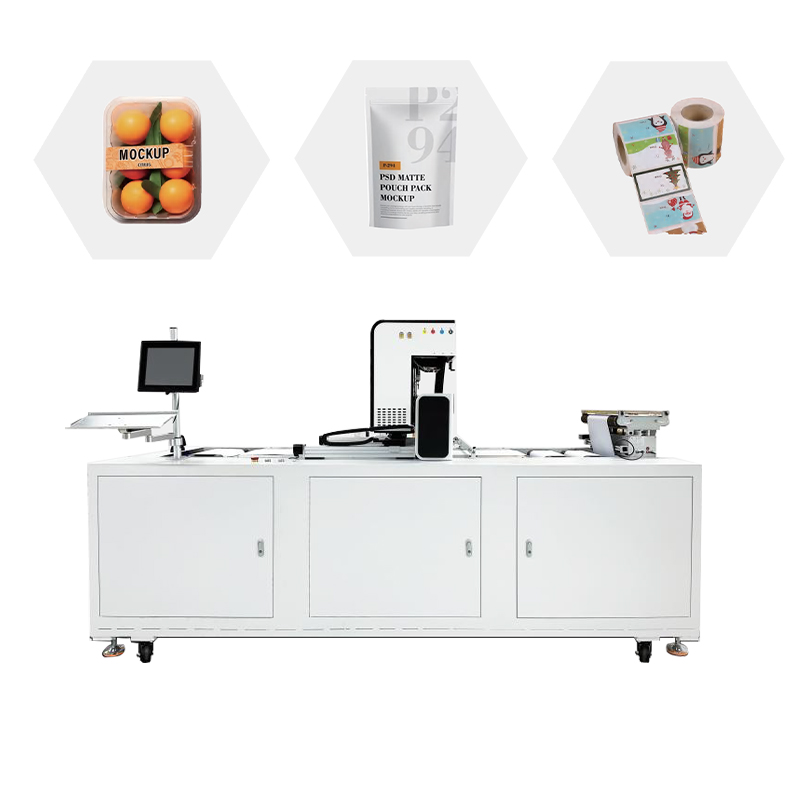
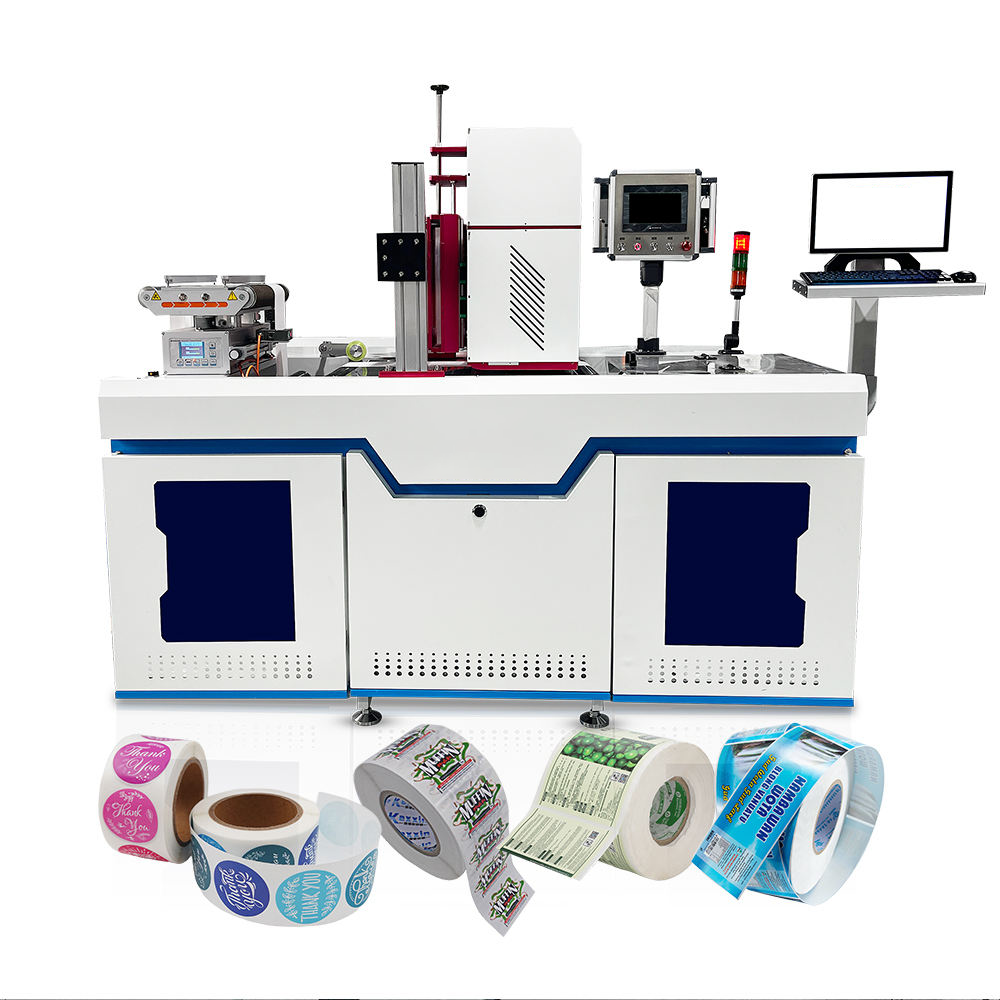
Water-based digital printers are professional printing equipment specially designed for single item labels such as clothing tags, RFID tags, tickets, cards etc. These printers have functions such as precise feeding and automatic collection and with such functions as precise feeding and automatic collection, these printers are becoming more and more popular in the global printing industry. in the international printing business. However, as a high-precision electromechanical integrated equipment, its long-term stable operation is highly dependent on the standardised technical maintenance and scientific fault diagnosis ability. For printing companies, the mastery of maintenance and troubleshooting methods of water-based digital printers is not only the basis for ensuring production efficiency, but also the key to reducing comprehensive operating costs. The paper is based on the actual production scenarios of the printing industry, systematically classifying the daily maintenance points of water-based digital printers, accurate troubleshooting solutions for common faults, and typical problem Q&A, with a view to providing practitioners with a technical guide that can be implemented immediately.
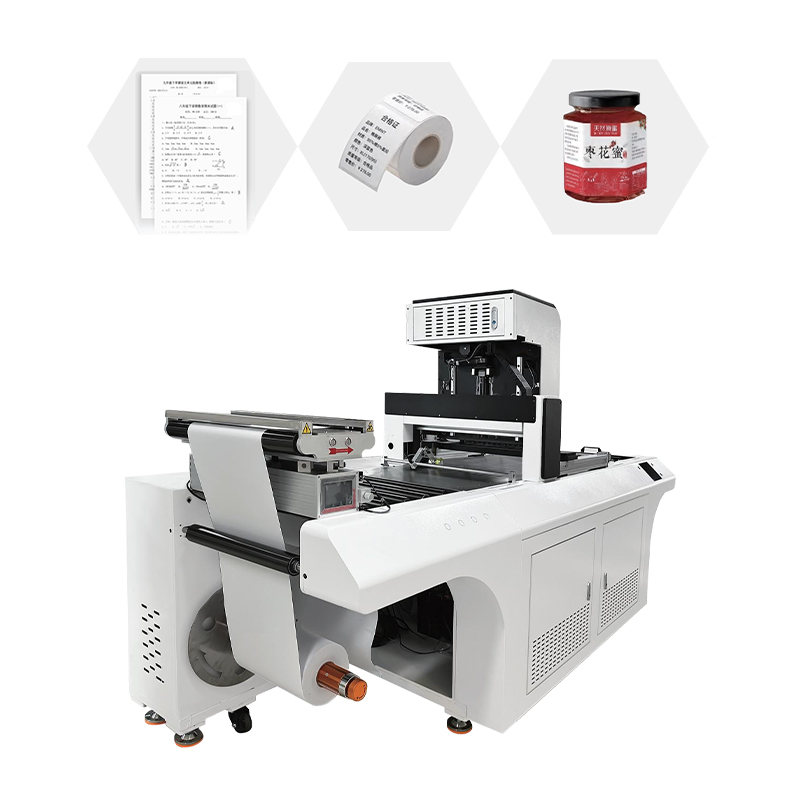
1. Water-based digital printers daily maintenance standards
1.1 Daily Maintenance of the Nozzle
The nozzle is the most accurate and expensive core component in water-based digital printers, and the quality of its maintenance directly determines the printing accuracy and the service life of the equipment. Water-based ink is suitable for water-based nozzles. The nozzle channel is fine and the corrosion resistance is relatively weak. The core of maintenance is to prevent ink from drying and clogging and to avoid damage from chemical corrosion. Before starting up each day, the operator should first check the ink level of the ink cartridge to make sure sufficient ink of each colour and avoid air entering the ink path and causing ink interruption due to lack of ink. When starting up, printing of test strips or nozzle inspection patterns should be given priority. The completeness of each colour block in the test strip can be checked to quickly identify whether the nozzle is blocked or disconnected. In case of a small blockage, the weak cleaning mode offered by the printer driver should be prioritised for processing. It can be brought back with 1-2 weak cleaning cycles. It should be pointed out that the strong cleaning mode should not be used frequently, because strong cleaning will wash the nozzle membrane too much, which will cause irreversible physical damage, and each strong cleaning will consume a lot of ink and increase the burden on the waste ink pad, greatly shortening the replacement cycle of the waste ink pad. After daily printing task, gently wipe the remaining ink stains on the surface of the nozzle with special cleaning solution and lint-free cloth. Finally, cover the nozzle area completely with moisturising cotton, so that the nozzle is kept moist during shutdown and ink drying and solidification are prevented.
1.2 Temperature and humidity control in the workshop
The basic environmental factors for water-based digital printers stable operation are temperature and humidity. The workshop temperature should be controlled at about 25 ℃, and the temperature fluctuation should be controlled within ± 2 ℃ as far as possible. If the temperature is too low, the viscosity of water-based ink increases, the flowability deteriorates, and microbubbles or local condensation are easily generated inside the nozzle. This can cause ink breakage or clogging . If the temperature is too high, the ink will evaporate faster, which is also not good for moisturising the nozzle. As for humidity, the relative humidity in workshop should be controlled at 50%-60%. The main reason for ink flying is the lack of humidity in winter, the air is dry and static electricity is greatly increased, static electricity deflects the ink particles in the spraying process and forms scattered ink dots, resulting in blurred image edges and reduced QR code recognition rate. According to actual maintenance service statistics, in workshops with good humidity control (50%-60%), the incidence of abnormal nozzles in winter is on average 47% lower than in workshops with humidity of only 30%-40%. It is recommended to place industrial humidifiers in the workshop and clean the floor daily with a wet mop to aid in increasing the environmental humidity.
1.3 Measures for electrostatic protection
One of the main dangers faced by water-based digital printers under winter or dry weather conditions is static electricity build-up. The device nozzle driver board, sensors, control motherboard and other parts are all full of a large number of precision electronic components. Electrostatic interference not only can cause quality problems such as ink flying, wire breaking, printing deviation, image distortion, etc., but also may puncture the nozzle driver chip and motherboard in serious cases, resulting in high maintenance costs. The secret to being anti-static is to have a separate and reliable grounding system on the equipment. The ground pile should be reinforced with steel bars with a diameter of not less than 1cm. The steel bars should be driven into the soil to a depth of at least 1 metre. The grounding resistance should be less than 4Ω. The equipment grounding wire must be set independently, and not shared with other high power equipment in the workshop to avoid crosstalk of ground wire. For daily inspection, it can use the multimeter to measure the voltage between the ground wire and the neutral wire, which should be kept within 1V. To eliminate the static electricity accumulated on the materials and feeding system in workshops with long-term low humidity, an additional static eliminator or an ion fan can be installed to form an ion air layer in the printing area. The practical application has proved that, after the static elimination equipment is installed, the probability of ink flying can be reduced by more than 60 % .
1.4 Management of ink storage and usage
Sexual ink has strict requirements on storage environment and usage cycle. The unopened ink should be stored in a constant temperature environment, with a temperature of 15-26℃, and avoid places with large temperature changes, such as ground cold sources and windows. The ink should be used within one month after opening, especially the white ink. Because of the high density of the pigment particles, it should be gently shaken once a week to prevent sedimentation. When the equipment is to be shut down for a period of more than 3 days, the residual ink in the ink path should be rinsed thoroughly with cleaning solution, then special moisturising solution should be injected in and the nozzle should be sealed to prevent the irreversible blockage of ink drying in the pipeline and nozzle. In addition to the above steps, if the equipment is shut down for more than 2 weeks, run the programme called “storage cleaning” on the printer operation panel. This programme will automatically clean the nozzle and the ink discharge channel, so that the nozzle can still start normally after long-term parking. When replacing ink , we must strictly not mix water-based ink of different types and brands , otherwise , chemical reactions may occur to generate flocs , block ink path and nozzle .
1.5 Material feeding system and general cleaning of the equipment
The cleanliness of the feeding system (feeding rollers, pressing wheels, cardboard guides, sensors, etc.) directly influences the smoothness of the conveying and the positioning accuracy of the printing material. After daily production, brush or vacuum the feeding path with a soft-bristled brush or vacuum cleaner to remove paper scraps, dust and ink-splatter residue . Dust or ink on the surface of the feeding roller can cause the material to slip, shift or wrinkle. It should be cleaned along the roller axis with a dust-free cloth dampened with industrial alcohol. The surface of the photoelectric sensor must be kept clean to avoid dust accumulation that can impact the accuracy of the material edge detection, which can cause material misalignment during automatic collection. Also, the equipment casing and operation panel should be periodically wiped with a dry cloth. The use of cleaning agents containing corrosive solvents is strictly prohibited so as to prevent damage to the coating and buttons.
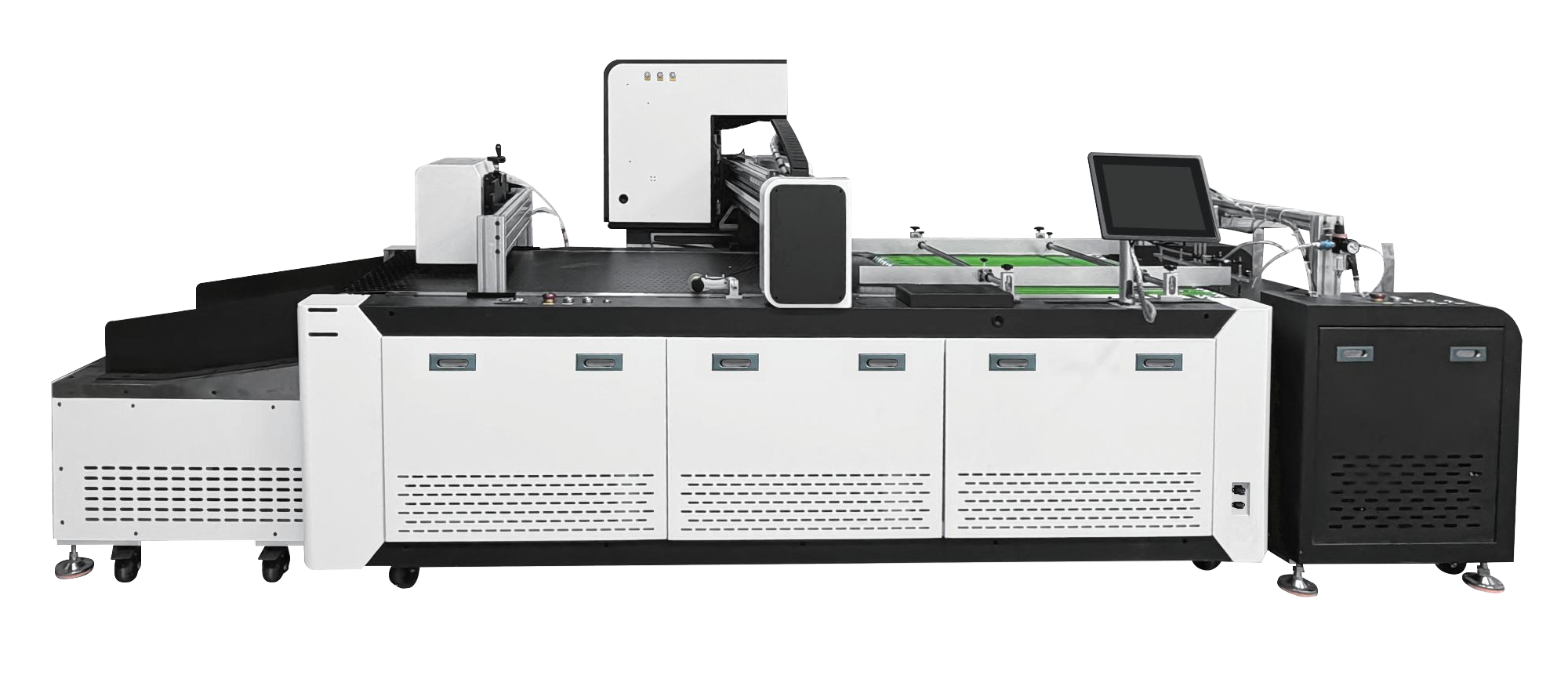
2. Water based digital printers – Common Fault diagnosis & troubleshooting
2.1 Ink shortage, nozzle blockage and print fracture
Fault phenomenon: There are white stripes and intermittent lines in the printed images or text, partial colour loss, and broken lines in the nozzle inspection pattern.
How to diagnose: Usually disconnection is due to a clogged nozzle, air bubbles in the ink path, not enough ink in the ink cartridge, or the ink has gone bad and gotten thick. First, look at the colour channel of the broken line. If it is a single colour broken line, it basically means it’s a blocked nozzle or ink path problem for that colour.
Exclusion criteria: ① Nozzle inspection is conducted to confirm the position and degree of wire breakage. ② If there is slight blockage, clean it weakly 1~2 times to check again. ③If weak cleaning does not work, check the ink level of the ink cartridge involved. If it’s under 1/3 full, replace with a new ink cartridge. ④ The ink may have thickened or deteriorated after opening more than 6 months. Replace the new ink cartridge and perform the ink filling operation. ⑤ If the ink cartridge is not connected after replacement , it could be that there are bubbles or dampers in the ink path . Professional technicians must pump bubbles from the ink path or replace dampers. Note: If the continuous cleaning fails more than 3 times, please stop cleaning and contact the technical support to avoid excess cleaning and damaging the nozzle.
2.2. Colour cast and colour shift
Fault: The printed colour of the output is very different from the design draft or standard colour sample, or there is local colour deviation or uneven colour blocks.
Diagnostic approach: Colour cast may be caused by partial blockage of a certain colour nozzle leading to colour loss, unstable ink quality, incorrect colour management profile (ICC Profile) or incorrect matching of media and ink.
Exclusion steps: ① take photographs of test images of different solid colour blocks, observe the uniformity and saturation of each colour channel, and quickly find missing or weak colours; ② Clean the nozzles, and check that all nozzles of each colour are not clogged. ③Check that the ink is a device-certified water-based ink. Mixing inks from different manufacturers can cause chemical reactions that corrode the nozzle or block the ink path. Use compatible ink that is certified for use in the printer. ④ Re-adjust the colour management configuration file to make sure that the colour space of the design software matches the device driver settings. ⑤ Check the suitability of the chosen printing medium to the ink combination, as some special materials may require special pre-processing or printing modes to reproduce accurate colours.
2.3 Flying Ink and Ink Dot Splash
Fault Symptoms: Printed images appear with blurred edges, text burrs, random small ink dots in non-printing areas, inability to read QR codes or bar codes.
Diagnostic approach: The main causes of the ink flying are electrostatic interference, contamination on the surface of the nozzle, too large a distance between the nozzle and the medium or inappropriate setting of the printing mode. Of these, the most common is electrostatic interference, especially in winter when the humidity is below 40%.
Exclusion steps First, measure the humidity in the workshop. If it is below 45% immediately start the humidifier to bring the humidity to 50-60% Make sure the equipment is properly grounded. ② Use a special cleaning solution and a dust-free cloth to gently wipe the surface of the nozzle to remove residual ink stains and fluff. ③ Check the distance between the nozzle and the printing medium (usually named “printing height”). If the height is too high, the ink particles will be more affected by the disturbance of air and static electricity during the flight, and should be adjusted to the standard range according to the equipment manual. ④ If problem persists, check and turn on the ion fan or static eliminator, to neutralise the static charges on the materials and equipment.
2.4 Material deviation, creases and cardboard
Fault phenomenon : Material jam, deviate, overlap or wrinkle obviously in transportation; The material accumulates or misaligns in automatic collection;
Diagnosis: The abnormal feeding is usually caused by uneven material edges, material curling due to moisture, foreign objects stuck in the feeding path, uneven pressure on the feeding roller and dirty sensors.
Exclusion steps: ① Check the neatness of the material core, neatness of the edges before loading the paper. If the edges are not neat, they must be recut. ② Make sure the material has not become damped or curled up by improper storage. Flatten materials that curl severely before use. ③ Clean all the rollers on the feeding path, especially the feeding rubber rollers and pressing wheels, and remove the paper scraps, ink stains or dust adhering to the surface. ④ Adjust the pressure regulating device of the feeding roller, so that the pressure on both sides is balanced and the material does not shift to one side. ⑤ Clean the surfaces of the photoelectric and edge detection sensors to ensure that the edges of the material can be correctly identified. ⑥ If the material has wrinkles, the tension control parameters can be adjusted accordingly or the feeding speed can be slowed down. Once the operation is stable it can be resumed at normal speed.
2.5 Nozzle is not recognised and hardware error happens.
Fault phenomenon: The device is powered on, the prompt of “print head not installed” or “print head incompatible” or error code appears, the nozzle cannot work normally.
Diagnostic approach: The problem is usually caused by dirty print head contacts, a loose flexible wiring , a damaged print head or a communication failure on the motherboard.
Troubleshooting steps: ① Turn off the device, unplug the power cord, wait 30 seconds, and then restart. Sometimes a simple restart will clear up temporary communication errors. ② If the error continues, open the nozzle cover and clean the metal contact on the back of the nozzle with a dust-free cloth using a small amount of industrial alcohol. Clean the spring contacts on the base at the same time to make sure there is no ink or oxide contamination. 3. Make sure the flexible cable that connects the nozzle is correctly plugged in and is not broken or worn out. ④ If the above operations are not effective, the nozzle itself may be damaged. In the case, the nozzle should be replaced by the equipment supplier or professional maintenance personnel. Do not attempt to disassemble the nozzle’s internal structure yourself. After changing the nozzle, nozzle calibration and position alignment procedures are required.
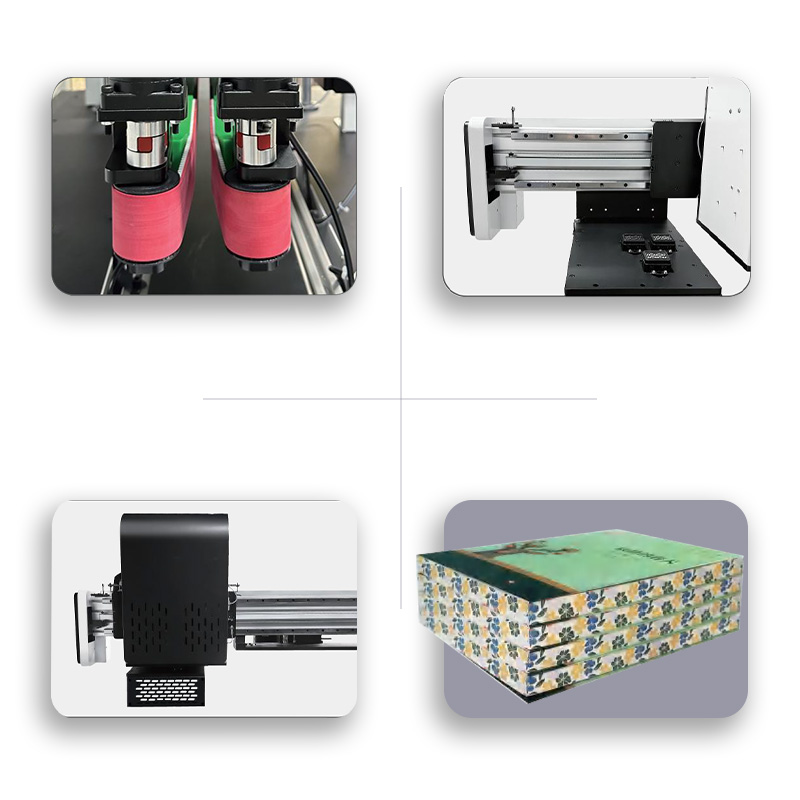
3. Water-Based Digital Printers Maintenance Q&A Collection
Q: What are the steps to restart a water-based digital printer after a period of disuse?
If the machine is not used for more than 3 days, firstly check whether the moisture retaining cotton of the nozzle is dry. If it is dry, first drip a special moisturising solution to soak it. Turn on and perform nozzle cleaning and print test strips . Check status of each colour nozzle . If the test strip shows a severe disconnection, it can be weakly cleaned 1-2 times. If the shutdown lasts more than 2 weeks the “storage cleaning” procedure should be run first and then normal ink filling and cleaning. For the first printing, it is recommended to use regular images to do trial printing, and the quality to be qualified before formal production.
Q: Why isn’t my water based digital printer reading QR codes when printing?
The failure of QR code recognition is often related to printing accuracy and blank areas. First, make sure that the device resolution is set to maximum (for example 1200 x 1200 dpi) and that the nozzle is free from obstructions so that the barcode has clean edges. Secondly, enough blank space (quiet area) should be left around the QR code. The width of the quiet area is usually required to be no less than 4 times the width of the QR code module. Please check that the original design has sufficient static areas at the time of design. In addition, the unstable feeding may cause the material to stretch or shift, which may also cause the QR code to deform, and it is necessary to check whether the feeding system is stable.
Q: The failure rate of equipment has greatly increased in winter. Is there a systematic prevention plan?
Answer: The winter prevention plan should contain three aspects, temperature, humidity and electricity. (1) Maintain the temperature of the workshop at about 25 degrees Celsius and install an industrial heater. ② Increase humidity to 50-60%, use humidifier and wet mopping of the floor. ③ Verify the equipment grounding is independent and reliable; the voltage difference between the ground wire and neutral wire is ≤ 1 V. ④ Ink should be stored in advance in a constant temperature environment (15-26℃); avoid storage in cold storage or outdoors. Data show that the full implementation of the above measures can reduce the abnormal rate of winter nozzles by about 47%.
Q: It is suggested to select weak cleaning when cleaning the nozzle. How to judge it ?
Answer: In principle, the priority should be given to weak cleaning. Weak cleaning Good for small blockages ( 1-3 broken wires in the test strip) Small cleaning volume Low risk of damage If 2 consecutive weak cleaning attempts are not successful, consider doing a strong cleaning again. Heavy cleaning uses a lot of ink and affects the nozzle membrane and is only used if there is a medium blockage. If the cleaning is not successful, it means there is a serious blockage or air bubbles in the ink path. Do not repeat strong cleaning. Stop cleaning and check ink path.
Q: Can water-based ink still be used after it expires?
It is not recommended to use. After the water-based ink expires, the pH value, viscosity and surface tension will change, which not only affects the colour saturation, but also may precipitate crystals or flocs inside the nozzle, which directly block the nozzle. The print quality is hard to promise even when used reluctantly, and could cause permanent damage to the nozzle. The production date and the expiration date are usually printed on ink labels. We recommend using these within 6 months after opening and getting rid of any expired ink.
Q. What are the specific symptoms of poor equipment grounding? How can you find it fast?
Answer: The most typical manifestations of poor grounding are ink splashing, image blurring and abnormal damage to the nozzle. Fast detection method: Measure the voltage between the metal casing of the device and the ground wire using a multimeter in the AC voltage range. If it is above 1V it is a sign of poor grounding. Meanwhile, the voltage between the neutral wire of the socket and the grounding wire can be measured, which should be less than 1V under normal conditions. If it is higher than the norm, an independent grounding post should be rebuilt and cannot be shared with other equipment in the workshop.
Q: What could be the possible cause of abnormal noise and shaking in the feeding system?
Answer: Abnormal noise and shaking are usually caused by wear of the feeding motor bearings, loose transmission belts, winding objects on the feeding roller shaft end or irregular material winding. First, turn the machine off and inspect each roller shaft for foreign matter, such as tape or pieces of paper wrapped around it. Test after cleaning. If it still shakes, check the tension of the belt and adjust the tension pulley. If there is an abnormal sound in the motor area, it may be caused by insufficient oil or worn bearings, and maintenance personnel should be contacted for adding lubricating oil or replacing the bearings.
4. Conclusion Maintenance investment is the assurance for the efficient operation of water based digital printers.
The global digital printing market is fast heading towards digitisation and personalisation. According to Smithers’ report, the global digital printing market is projected to reach $232.3 billion by 2026, with a digital penetration rate of 35.3% in the packaging printing industry. Water-based digital printer is the key equipment to produce labels, tags, tickets, cards and other products, and its operation stability is directly related to the delivery capability and cost control level of enterprises. But the high precision and speed of the equipment are not maintained naturally. They are achieved through standardised systematic daily maintenance.
The data shows that standardising the maintenance investment can bring great benefits. In the workshops with controlled temperature and humidity (humidity 50%-60%), the abnormal rate of nozzles in winter is reduced by 47% compared with the workshops with uncontrolled environment. After the installation of static elimination equipment, the probability of ink flying is reduced by more than 60%, and regular cleaning of the feeding system can reduce the downtime caused by paper jam and abnormal feeding by about 70%. The data clearly show that maintenance is not an additional cost but one of the highest ROI stages of the entire equipment lifecycle. For printing enterprises, the only way to ensure the long-term stable operation of equipment, reduce comprehensive operating costs and enhance market competitiveness is to establish a water-based digital printer maintenance system with “daily cleaning, weekly inspection, monthly calibration, quarterly maintenance” as the core, and train operators in fault identification and basic troubleshooting ability. The first step to production efficiency is mastering maintenance techniques.

No responses yet